

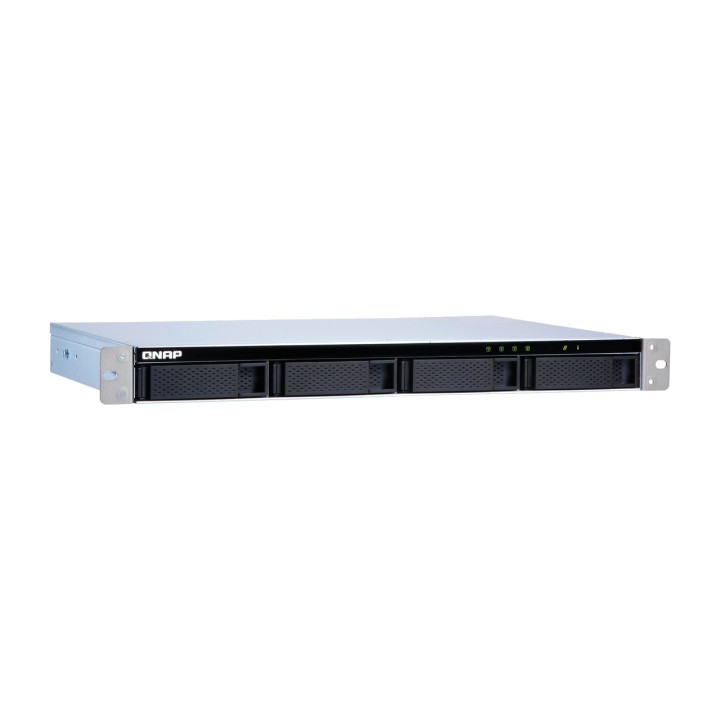
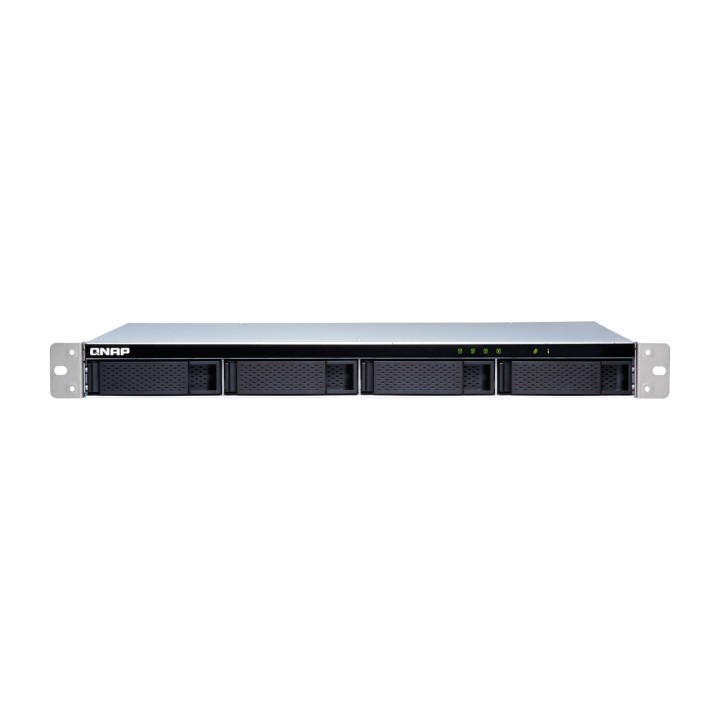
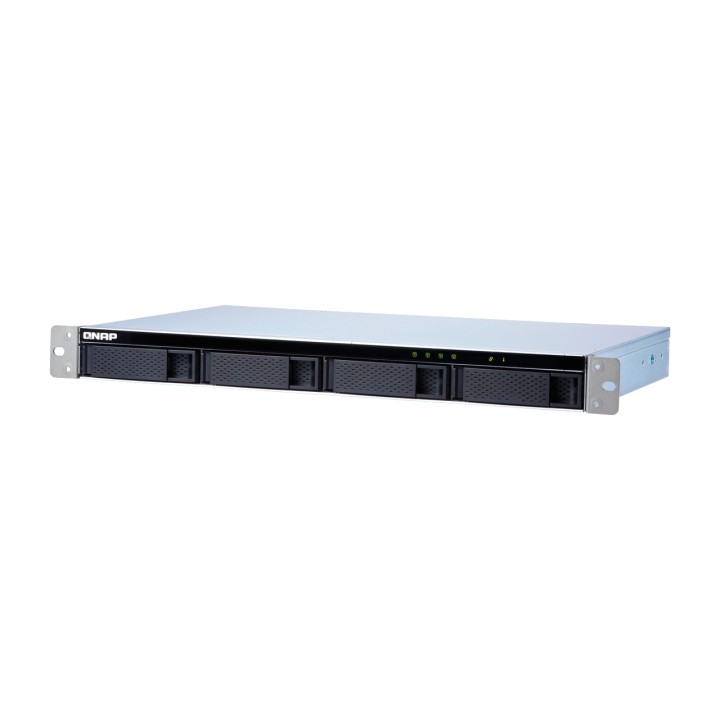
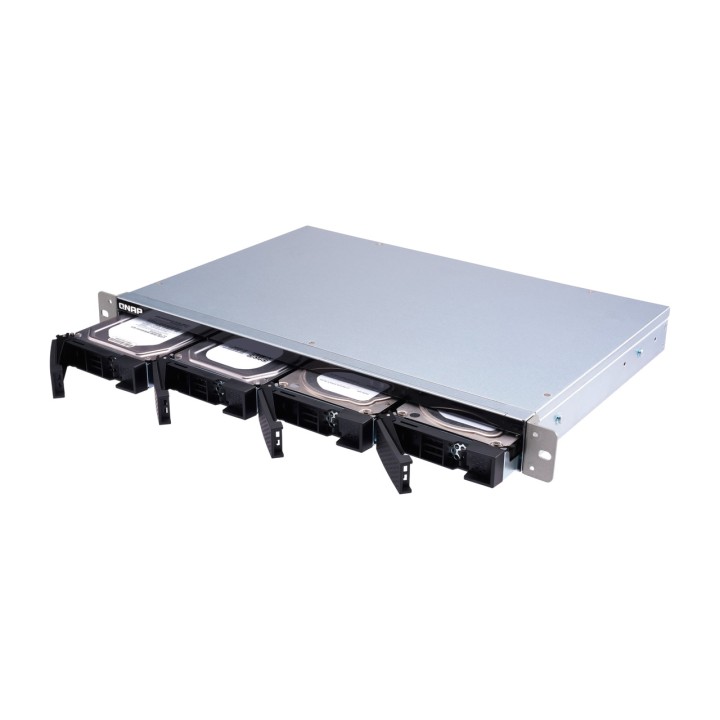
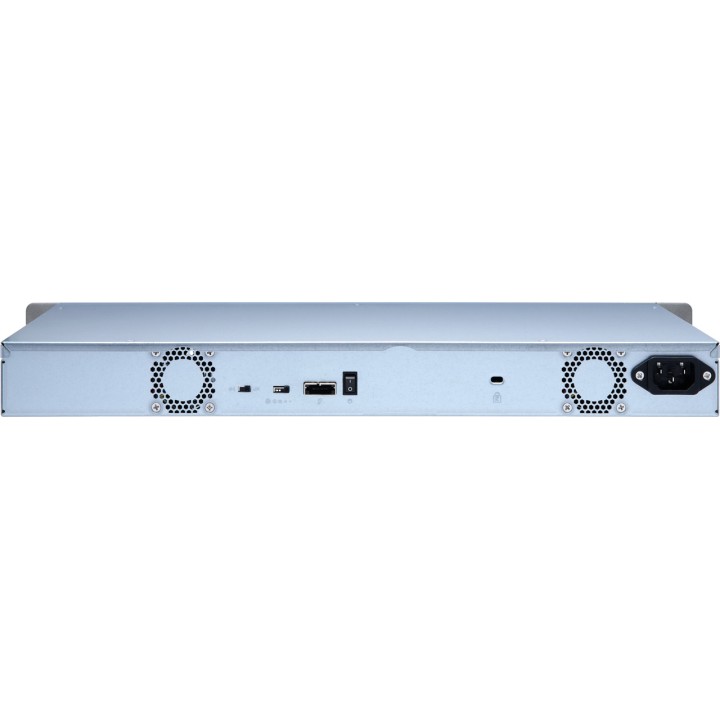
QNAP 4-bay JBOD disk enclosure for rack mounting TL-R400S 1U-SAS 1668845 images
 Secure payment
Card, bank transfer and financing. SSL on every page.
 Worldwide shipping
Stock available for shipping at competitive rates. Delivery times vary by region.
 Personalized support
Call us at +34 948 088 505 or email us. We answer questions and help with your order.
QNAP 4-bay JBOD disk enclosure for rack mounting TL-R400S 1U-SAS 1668845

DeliveryEl plazo se calculará al elegir el transporteOrder within the next — to receive it approximately 23/12/2026
Estimated delivery between 23/12/2026 and 24/12/2026
Ships from Tudela
Cuándo es más probable que llegue
Fechas estimadas para España peninsular; se ajustarán con tu código postal y forma de entrega.
The date corresponds to the item with the longest delivery time
IVA intracomunitario
La exención intracomunitaria puede aplicarse a una entrega a otro Estado miembro si el NIF-IVA es válido y el destino cumple los requisitos. La comprobación por sí sola no determina el tratamiento fiscal.
Cómo se comprueba el IVA¿Eres profesional del sector?
Puedes solicitar una cuenta profesional e indicar los datos de tu actividad. La solicitud queda pendiente de revisión; puedes consultar su estado en tu cuenta.
Más información sobre cuentas profesionalesCanarias, Ceuta y Melilla sin IVA español
El tratamiento depende del destino de entrega y de la coherencia de la dirección. Pueden corresponder IGIC, IPSI, aranceles u otros cargos locales.
Más información sobre destinos e impuestosHigh performance of the TL SATA JBOD
The TL SATA JBOD supports multi-lane SATA 6Gb/s transfer, and each SATA lane connects directly to a single SATA drive to help improve performance. With its high-speed 1-to-1 channel, the TL SATA JBOD delivers excellent transfer performance.
Flexible storage management and configuration
The TL-R400S offers software-controlled storage configuration for greater management flexibility. You can configure RAID and monitor the JBOD enclosure and disk health with Storage & Snapshots when connected to a NAS running QTS or QuTS hero, or with the QNAP JBOD Manager utility when connected to a computer.
What you need to know
You can connect your TL-R400S to Windows® and Ubuntu® computers and servers using the high-speed SFF-8088 (or SFF-8644) cable and use the built-in utility to manage the RAID configuration.
Intelligently monitor the status of the JBOD enclosure on PCs and servers with QNAP JBOD Manager
QNAP JBOD Manager is a desktop utility for monitoring the TL-R400S on Windows and Ubuntu computers. You can quickly check disk status, JBOD information and health, view fan rotation speed, and check for firmware version updates. All device incidents are logged, and desktop notifications are sent if a system alert occurs.
Flexibly expand connectivity with QXP PCIe cards
Install a dedicated QXP PCIe card in your QNAP NAS or Windows or Ubuntu PCs and servers to connect the JBOD enclosure using an SFF-8088 (or SFF-8644) cable for simple, flexible storage expansion.
Versatile usage scenarios to meet storage expansion needs
The TL-R400S meets many storage expansion needs for both home and office users. Here is a list of possible application scenarios:
Scenario 1: Expand your NAS capacity
The TL-R400S offers users an alternative way to expand NAS storage capacity. By connecting the TL-R400S to their NAS and using Storage & Snapshots in QTS or QuTS hero, users can easily configure and manage their storage expansion. The TL-R400S supports various QNAP NAS file and storage management features, allowing users to create storage pools, search for files with Qsirch, and organize files with Qfiling.
Scenario 2: External storage for your NAS
You can use the TL-R400S to expand your NAS storage. You can select disks to create storage pools and expand your NAS capacity, or treat each disk as an individual external storage space and use it as a removable drive for greater flexibility. Whichever mode you use, you can always use Storage & Snapshots in QTS or QuTS hero to configure and manage your TL-R400S, and use S.M.A.R.T. for hard drives and Notification Center to check disk status anytime, anywhere.
Scenario 3: Expand the storage space of your Windows and Ubuntu computers and servers
You can use your TL-R400S with Windows® and Ubuntu® computers and servers to expand storage space. You can adjust the RAID configuration of your TL-R400S to further improve data protection. In addition, you can use single-disk mode and the exFAT file system format to ensure more convenient file access and sharing between Windows® and Ubuntu® computers.
Scenario 4: Third-party hardware RAID card for advanced protection
You can install third-party hardware RAID cards in your TL-R400S to provide advanced hardware RAID 1, RAID 5, RAID 6, RAID 10, RAID 50, and RAID 60 protection, and use the Windows® utility software to manage your TL-R400S.
The TL-R400S offers better performance than other USB and eSATA JBOD solutions
The TL-R400S features SFF-8088 (or SFF-8644) connectivity and multiple SATA 6Gb/s bays. This provides better read performance and higher transfer speeds than existing USB and eSATA expansion enclosures, while being a more economical option than a QNAP REXP SAS enclosure.
Type: Unit Case
Suitable for: NAS system
Height units : 1 HEY
Device bays - 3,5 inches: 4 unit(s)
Connections - External : 1x SAS
Compatible with: Linux, 2012 Windows Server 64-bit, Windows Server 2012, Windows 8, Windows 8.1
Power supply: 100 watts
VOLUMEN: 6 l
Dimensions: Width: 438.9 mm x Height: 43.9 mm x Depth/length: 291.1 mm
WEIGHT: 4KG
- Brand
- QNAP
- Reference
- 1668845
- EAN-13
- 4713213516249
- Weight
- 5 kg
