DeliveryEl plazo se calculará al elegir el transporteOrder within the next—to receive it approximately23/12/2026
Estimated delivery between 23/12/2026 and 24/12/2026
Ships from Tudela
Cuándo es más probable que llegue
Fechas estimadas para España peninsular; se ajustarán con tu código postal y forma de entrega.
The date corresponds to the item with the longest delivery time
IVAIVA intracomunitario
La exención intracomunitaria puede aplicarse a una entrega a otro Estado miembro si el NIF-IVA es válido y el destino cumple los requisitos. La comprobación por sí sola no determina el tratamiento fiscal.
Puedes solicitar una cuenta profesional e indicar los datos de tu actividad. La solicitud queda pendiente de revisión; puedes consultar su estado en tu cuenta.
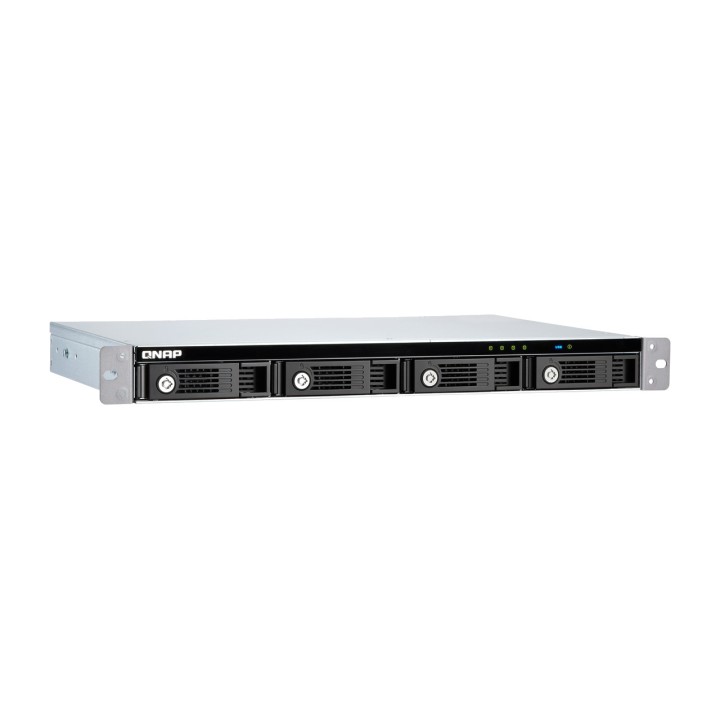
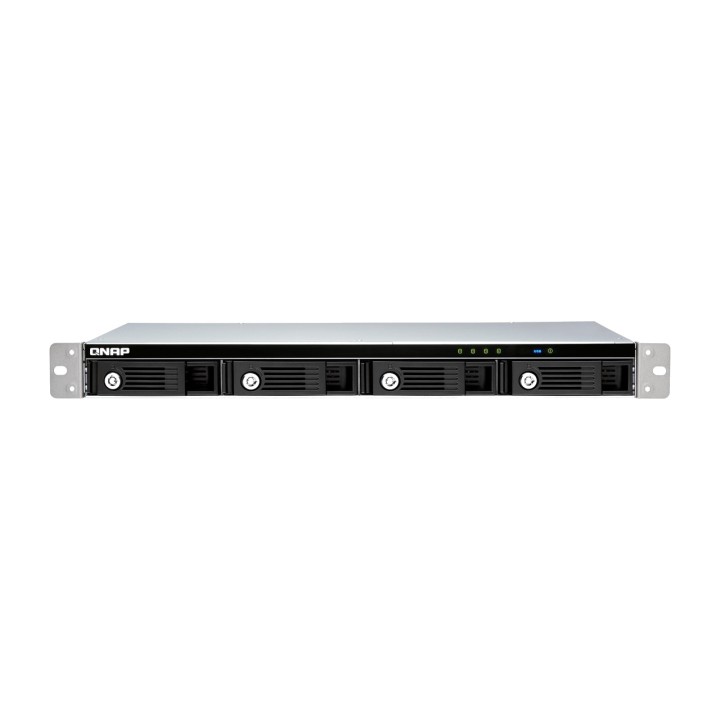
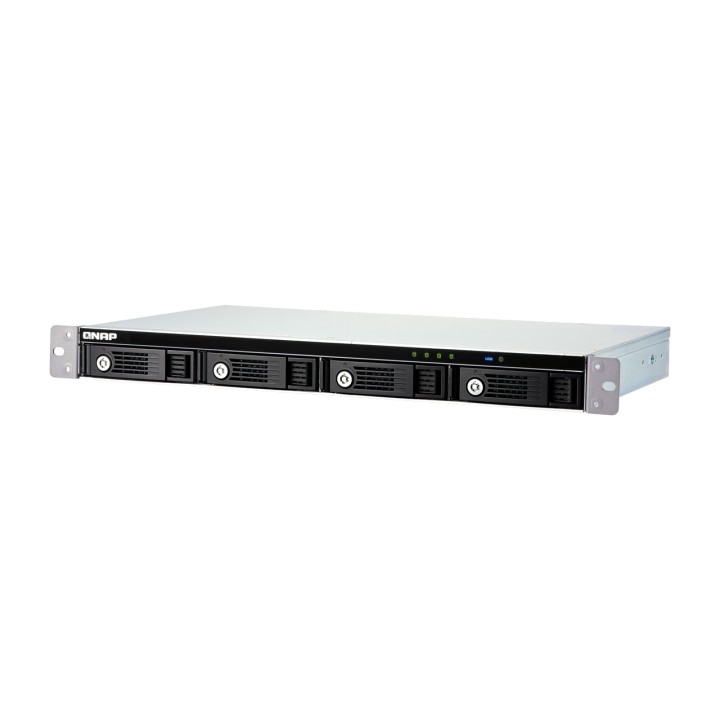
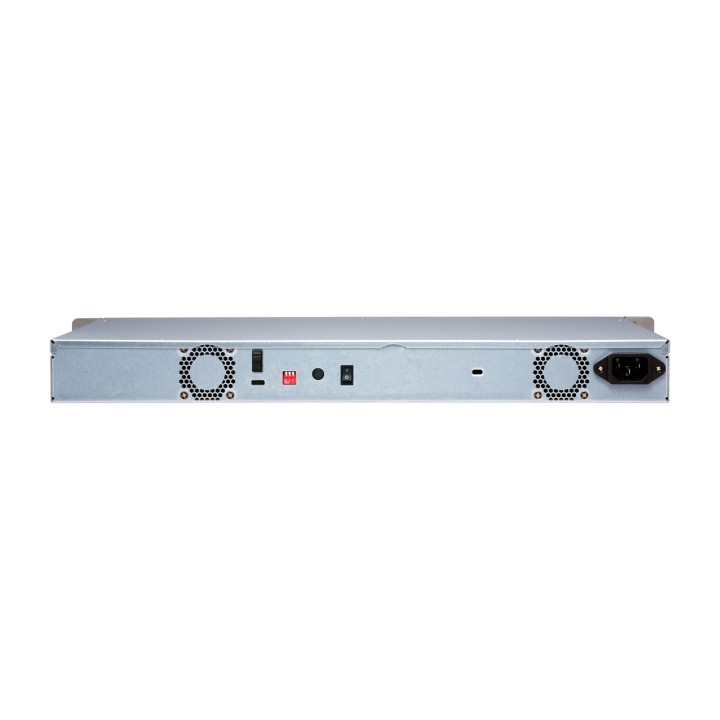
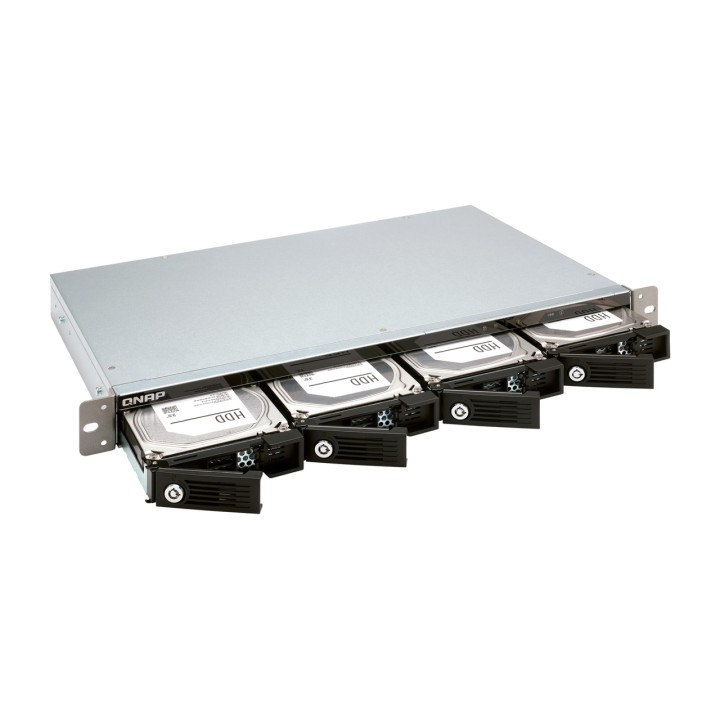
The TR-004U USB 3.2 Gen 1 RAID expansion enclosure lets you expand the capacity of your QNAP NAS and PC. The TR-004U can also be used as a DAS (Direct Attached Storage) device, allowing you to access its contents directly simply by connecting it via USB. The TR-004U features four 3.5-inch SATA drive bays, multiple RAID configuration options and USB 3.2 Gen 1 Type-C connectivity, providing a highly reliable and secure storage capacity expansion solution.Supports multiple RAID levelsThe TR-004U supports various RAID configurations. Depending on your requirements, you can switch between hardware- or software-controlled RAID modes. Move the DIP switches to the corresponding positions for your preferred RAID mode: Individual, JBOD, RAID 0, RAID 1/10 or RAID 5. You can also configure RAID from your QNAP NAS or by using the QNAP External RAID Manager utility on your computer.Individual modeTreats each disk as an independent storage space, allowing each one to be accessed independently.JBOD modeAll disks are recognized as a single drive. This lets you use the storage to its full capacity, but provides no data protection.RAID 0 modeData is split across the drives. RAID 0 provides faster performance, but does not protect data in the event of a drive failure.RAID 1/10 modeHalf of the total storage capacity is used to store data, while the other half keeps a copy of that data. This provides a high level of data protection, at the cost of being able to use only half of the installed storage space.RAID 5 modeRAID 5 requires at least three drives; parity information is distributed across the drives, providing optimized storage capacity and protection in the event of a drive failure.Software Control modeUse this mode to control RAID configuration from your NAS or computer.Flexible storage configuration and managementCompared with other RAID enclosures, the TR-004U provides software-controlled configurations for greater management flexibility. Users can configure RAID and monitor drive health using Storage & Snapshots Manager on a QNAP NAS or the QNAP External RAID Manager utility on their computers.Versatile usage scenarios to meet storage expansion needsThe TR-004U meets a wide range of storage expansion requirements for home and work use, including:Scenario 1: Expand NAS capacityThe TR-004U provides an alternative way for users to expand the storage capacity of a rack-mounted NAS. By connecting the TR-004U to the NAS and using Storage & Snapshots Manager, users can easily configure and manage their storage expansion. The TR-004U supports a wide range of QNAP NAS storage and file management features, allowing users to create storage pools, search for files with Qsirch and organize files with Qfiling.Use the TR-004U as an alternative to conventional NAS expansion enclosures.As an external hardware RAID device, the TR-004U operates independently and does not require additional NAS system resources. Compared with the UX-500P expansion enclosure, the TR-004U uses fewer NAS system resources.Scenario 2: External storage for the NASInstead of using the TR-004U to expand the capacity of your QNAP NAS, you can use it as a storage drive to move or back up data. It also allows you to physically migrate huge datasets that would require significant network bandwidth. While connected to the NAS, you can monitor the status of the TR-004U using Storage & Snapshots Manager on the NAS.Scenario 3: Expand your computer and server storage.The TR-004U lets you quickly add storage space to your computer and server. You can use the DIP switch to configure a hardware RAID mode or manage it using the QNAP External RAID Manager utility. The status of the TR-004U can also be monitored using the QNAP External RAID Manager tool.*QNAP External RAID Manager requires Windows 7 (or later), Windows Server 2012 R2 (or later) and macOS 10.13 (or later).Scenario 4: Cross-platform file sharingFrom NAS devices to Windows, Mac and Linux computers, the TR-004U is compatible with a wide range of devices. This makes it ideal for quickly moving large files from one device to another. In addition, the TR-004U is compatible with devices that use the exFAT file system*, adding the ability to access and share files across an even wider range of devices.*To access devices that use the exFAT file system, users must purchase a separate exFAT driver license. Type: Unit Case Suitable for: NAS system Device bays - 3,5 inches: 4 unit(s) Connections - External: 1x USB-C 3.2 Gen 1 (5 Gbps) Level RAID: 0, 1, 5, 10, JBOD Compatible with: Linux, MacOS X, Windows Server 2012, Windows 7 VOLUMEN: 6 l Dimensions: Width: 439 mm x Height: 44 mm x Depth/length: 291 mm Weight: 5.6 kg


 Secure payment
 Worldwide shipping
 Personalized support